




CB Performance Optimizer Pro adds the tools the free plugin doesn’t have. Use it to control exactly what each page loads, and to stop slow third-party scripts and fonts from holding your pages back. Everything appears as new tabs and sections under Settings → Performance, so you don’t have to learn a separate dashboard.
🧩 Script Manager
- Open any page and click Script Manager in the admin bar. You’ll see every CSS and JS file that page loads, with its source (core, theme, plugin or external) and its size.
- Unload a file on just that page, on every page of the same post type, or everywhere, with per-page exceptions.
- All your rules are listed on the Script Manager tab, and you can remove them one at a time.
⏱️ Delay JavaScript
- Third-party scripts wait until the visitor first scrolls, clicks, taps or presses a key.
- One-click presets for Google Analytics/Tag Manager, Meta Pixel, Microsoft Clarity, Hotjar, TikTok, LinkedIn, Pinterest, chat widgets and reCAPTCHA.
- Add your own keywords, and optionally load delayed scripts anyway after N seconds.
- Scripts keep their original order, including any inline code attached to them, so nothing breaks.
🔤 Google Fonts
- Host Google Fonts locally. They download in the background,
font-display: swapis added, and Google’s resource hints are removed. - Or remove Google Fonts entirely.
🖼️ Images & Video
- Preload the featured image on single posts and pages to improve Largest Contentful Paint (LCP).
- Choose how many top images skip lazy-loading.
- Lightweight click-to-play embeds for YouTube (privacy-enhanced mode) and Vimeo.
🛒 WooCommerce Clean-up
- Remove the Marketing hub, remote inbox notes, extension and payment suggestions, marketplace suggestions and dashboard widgets.
- Shorten Action Scheduler log retention to keep the database lean.
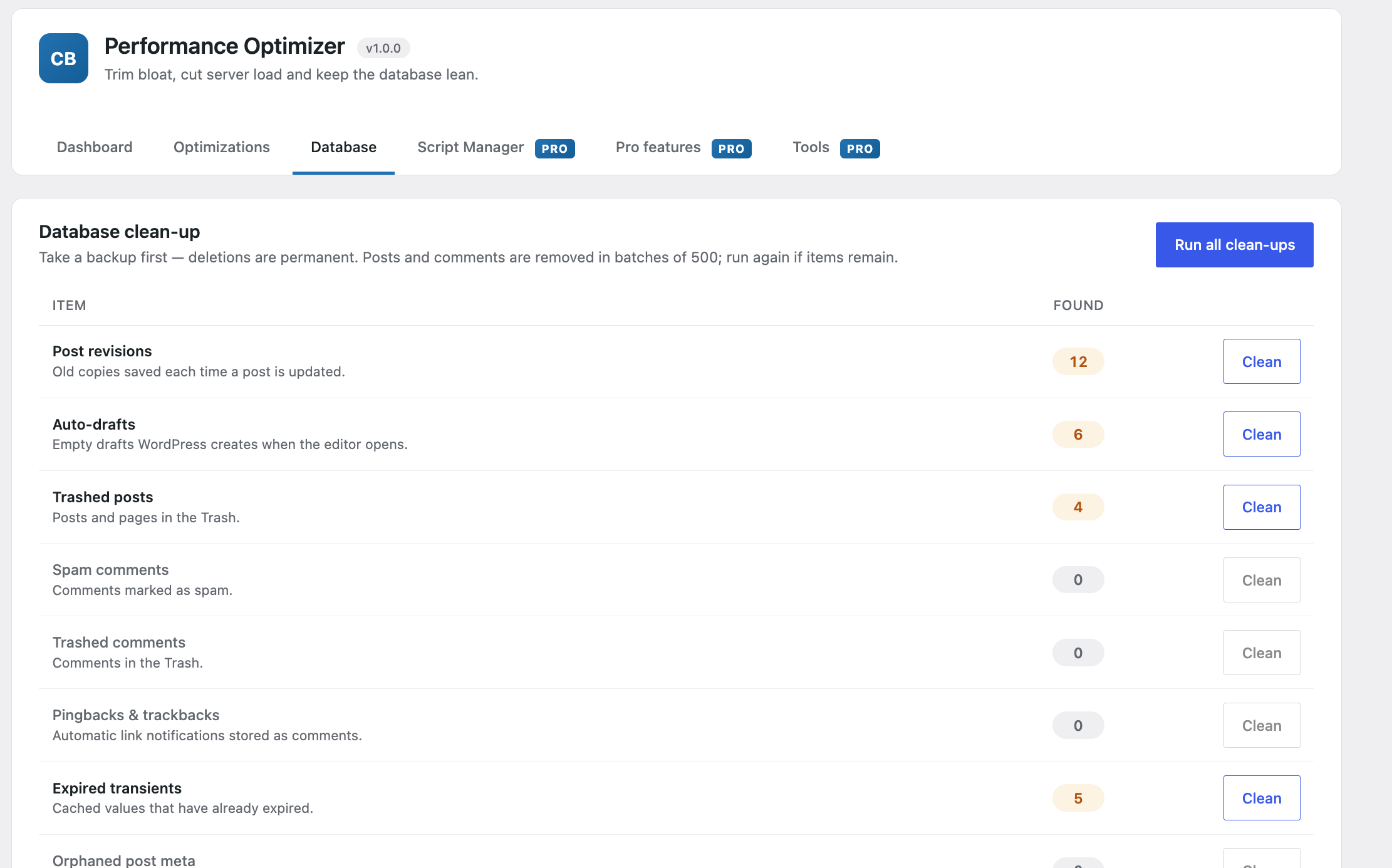
🗄️ Database Tools
- Choose exactly which tasks the scheduled clean-up runs.
- Plugin tables: see every non-core table with its size and likely owner, and delete leftovers safely with typed confirmation.
- WP-Cron manager: list all scheduled events, spot ones that have no handler, and remove them.
🎛️ Per-Page Overrides
- A Performance box in the editor lets you turn off defer, delay, Script Manager rules or featured-image preload for a single page.
🛠️ Tools & WP-CLI
- Export and import all settings as JSON, which makes moving settings between sites easy.
- WP-CLI commands:
wp cbpo status,wp cbpo clean,wp cbpo export,wp cbpo import,wp cbpo fonts.
👩💻 Developer Friendly
cbpop_delay_needlessets the keywords that mark a script for delaying.cbpop_skip_delay,cbpop_skip_asset_rulesandcbpop_skip_lcp_preloadskip a feature on the current request when they return true.cbpop_lcp_image_sizesets the image size used for the featured-image preload (defaultfull).



Reviews
There are no reviews yet.